
- Catalogs
- Innoquest, Inc.
- PRODUCT MANUAL: SPOTON® CONSISTOMETER

- Company
- Products
- Catalogs
- News & Trends
- Exhibitions
PRODUCT MANUAL: SPOTON® CONSISTOMETER
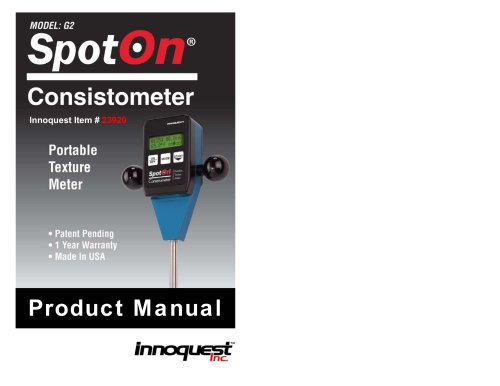
PRODUCT MANUAL: SPOTON® CONSISTOMETER
This section stresses the safe use of the meter, noting it is a low voltage device and should not pose an electrical hazard. Users are cautioned against using it in wet environments and recharging alkaline batteries.
The introduction includes diagrams of the meter's front and back, highlighting components like the LCD display, temperature sensor, and probe shaft. Key features include its patent-pending design, capability to measure various products, and integrated temperature sensor.
The meter's capabilities are outlined, including a force measurement range of 0-22 lbs, depth range of 0-28 inches, and temperature range of 32.0-99.9°F. Memory capacity and battery life are also detailed.
Instructions for battery installation and meter modes are provided. The meter features several modes: Probe, Calibrate, Setup, Raw, and Review, each serving specific functions like taking readings or calibrating the meter.
Details on software installation and use are provided, enabling users to configure the meter for different products and download data for analysis.
Guidance on resolving common issues during meter operation is offered.
Recommendations for maintaining the meter to ensure its longevity and accuracy are provided.
Information on warranty coverage and service options is included, ensuring users know how to obtain support if needed.
This document provides detailed instructions and information regarding the use, software installation, troubleshooting, maintenance, and warranty of the SpotOn Consistometer, a device used for measuring consistency in various products.
- The device records readings for each 1 cm of probing depth, which can be cycled through using the START button. Data is only recorded for computer download if logging is enabled.
- Pressing the MODE button exits review mode, preparing the meter for another probing.
- The SpotOn Consistometer PC software facilitates data transfer, memory clearing, and configuration settings.
- Software installation involves using a CD to install both the software and USB cable driver. The USB cable should not be connected until after installation.
- Port selection is automated through the software, which detects the correct COM port when the meter is connected.
- Data transfer creates a .CSV file, and memory clearing is done through the software menu.
- Product types and configurations can be customized and saved for future use.
- Common issues include errors due to inconsistent probing speeds, inaccurate temperature readings, and difficulties near container edges.
- Solutions involve ensuring consistent speeds, proper probe insertion, and maintaining a clean sensor window.
- Recommendations include removing the battery for long-term storage, cleaning with a soft cloth, and ensuring the infrared sensor window is clean.
- The o-ring on the probe tip provides a self-locking feature but is not essential for operation.
- The product comes with a one-year warranty covering defects under normal use.
- Returns for repair require an RMA number, and shipping costs are the customer's responsibility.
Catalog excerpts
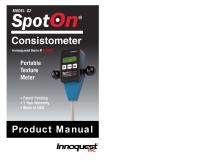
Product Manual
Open the catalog to page 1
1.0 Safety Information Caution should be exercised while using this meter to assure the safety of the user. This meter is a low voltage battery powered device which should not cause electrical hazard to the user even when connected to a computer via a USB cable. However, please use caution not to service this meter or connect it to a computer in a wet environment. It is recommended that this meter be used with an alkaline 9 volt battery. Such batteries can leak or explode if an attempt is made to charge them. Do not recharge disposable alkaline batteries. It is typical for this meter to be used...
Open the catalog to page 2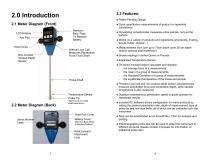
2.1 Meter Diagram (Front) ● Quick quantitative measurements of product or ingredient consistency ● Patent Pending Design Remove Back Plate To Replace Battery LCD Display Key Pad Hand Grips Internal Load Cell Measures Penetration Force From Shaft Non-Contact Infrared Depth Sensor ● Penetrating consistometer measures entire sample, not just the surface ● Works on a variety of products and ingredients (shortening, frosting, dough, butter, cheese…) ● Measurements from 5cm up to 70cm depth (over 28 cm depth require optional shaft extension) ● Shows readings in either Grams or Pounds ● Integrated Temperature...
Open the catalog to page 3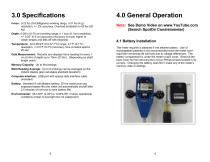
Force: 0-22 lbs (0-9,999grams) working range, 0.01 lbs (4 g) resolution, +/- 2% accuracy, Overload protection to 62 lbs (28 kg) Note: See Demo Video on www.YouTube.com (Search SpotOn Consistometer) Depth: 0-28 in (0-70 cm) working range, 0.1 inch (0.1cm) resolution, +/- 0.25” (0.6 cm) accuracy (Accuracy is much higher at closer ranges and falls off with distance) Temperature: 32.0-99.9*F (0.0-37.7*C) range, 0.1*F (0.1*C) resolution, +/-0.5*F (0.3*C) accuracy, time constant approx 20 sec Data Measurement: Records and displays force reading for every 1 cm (0.4in) of depth up to 70cm (27.6in). (Depending...
Open the catalog to page 4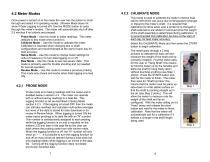
4.2 Meter Modes Once power is turned on to the meter the user has the option to scroll through and select 4-5 operating modes. (Review Mode does not show if Data Logging is turned off) Use the MODE button to cycle through the meter’s modes. The meter will automatically shut off after 2.5 minutes if no buttons are pressed. Probe Mode – Use this mode to make readings. The meter defaults to this mode when turned on. Calibrate Mode – Use this mode to calibrate the meter. Calibration is required when changing tips or shaft configurations and recommended at the start of each day for best accuracy....
Open the catalog to page 5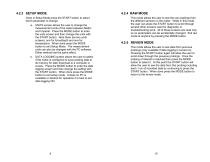
Once in Setup Mode press the START button to select which parameter to change. a. UNITS screen allows the user to change the measurement units of the meter between Metric and Imperial. Press the MODE button to enter the units screen and then change the units with the START button. Note there are two units screens; one for force/depth and one for temperature. When done press the MODE button to exit Setup Mode. The measurement units can also be changed with the PC software. Either method has the same effect. b. DATA LOGGING screen allows the user to select if the meter is configured to save probing...
Open the catalog to page 6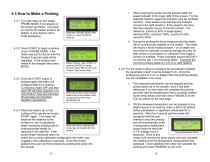
4.3 How to Make a Probing 4.3.1 Turn the meter on and select PROBE MODE if not already on the screen as shown. (At power on wait for the splash screens for battery % and memory full to finish displaying.) 4.3.2 Press START to begin a reading once in PROBE MODE, if the meter was just turned on then the Product Type last used will be displayed. If the product type needs to be changed then press MODE. 4.3.3 Once the START button is pressed again the meter will configure itself for a probing. Turning the meter OFF and then back ON will allow selection of a new Product Type and will reset all averages...
Open the catalog to page 7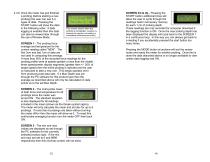
4.3.6 Once the meter has just finished a probing (before starting a new probing) the user can see 3-4 types of data. Pressing the START button will show the data in the following order. If data logging is enabled then this data can also be viewed later through the use of Review Mode. This screen shows when the probing is completed. (whether by stopping the insertion and waiting or immediately withdrawing the probe) SCREEN 1 - The probing force average and temperature for the current reading called “NEW”. The first 3cm and last 1cm of data are not used in computing this average. If more than 50%...
Open the catalog to page 8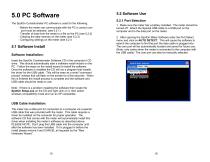
5.0 PC Software The SpotOn Consistometer PC software is used for the following: - Before the meter can communicate with the PC a correct com port must be selected. (see 5.2.1) - Transfer of data from the meter to a file on the PC (see 5.2.2) - Clearing the data memory on the meter (see 5.2.3) - Configuring settings on the meter (see 5.2.4 5.1 Software Install Software Installation: 5.2 Software Use 5.2.1 Port Selection 1. Make sure the meter has a battery installed. The meter should be turned off. Attach the Special USB cable to a USB port on the computer and to the data port on the meter. 2....
Open the catalog to page 9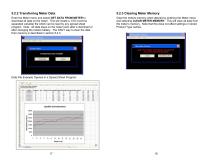
5.2.2 Transferring Meter Data 5.2.3 Clearing Meter Memory Enter the Meter menu and select GET DATA FROM METER to download all data on the meter. This will create a .CSV (comma separated variable) file which can be read by any spread sheet program. Note: All data stays on the meter even after a download or after changing the meters battery. The ONLY way to clear the data from memory is described in section 5.2.3. Clear the meters memory when desired by entering the Meter menu and selecting CLEAR METER MEMORY. This will clear all data from the meter’s memory. Note that this does not affect settings...
Open the catalog to page 10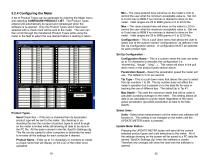
5.2.4 Configuring the Meter A list of Product Types can be generated by entering the Meter menu and selecting CONFIGURE PRODUCT LIST. The Product Types entered will automatically be saved and redisplayed when the software is re-opened. Only the Product Types which have been selected with a check mark will be sent to the meter. The user can then scroll through the transferred Product Types while using the meter in the field to select the one desired before a reading is taken. Min – The value entered here will show on the meter’s LCD to remind the user what the minimum acceptable value is. Set...
Open the catalog to page 11All Innoquest, Inc. catalogs and technical brochures
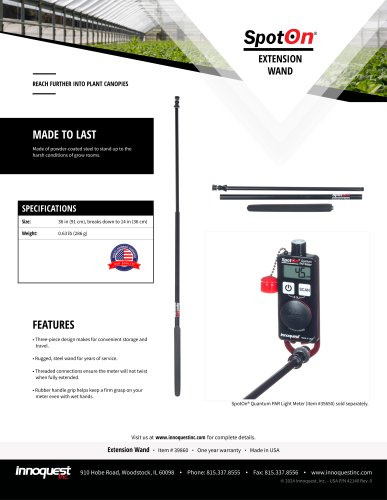 SPOTON® EXTENSION WAND
1 Page
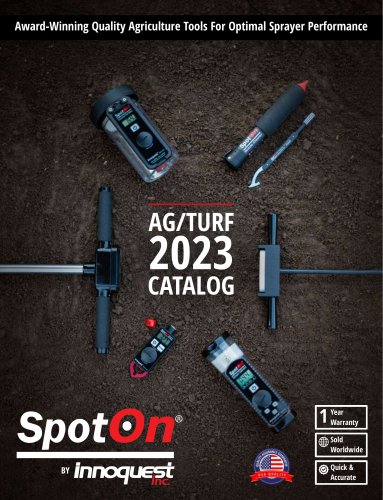 2023 SPOTON® CATALOG
24 Pages
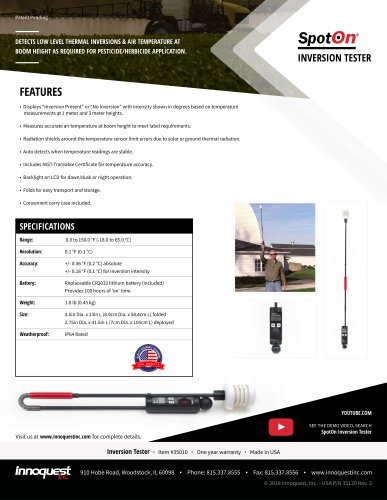 SPOTON® INVERSION TESTER
1 Page
 SPOTON® PAPER
1 Page
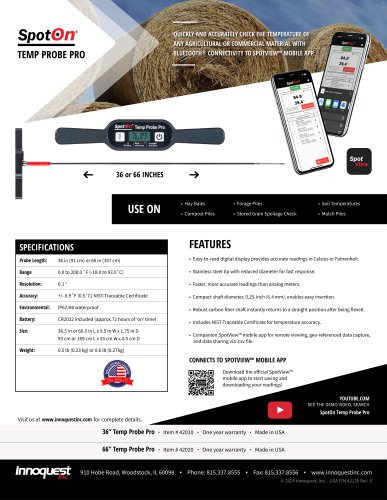
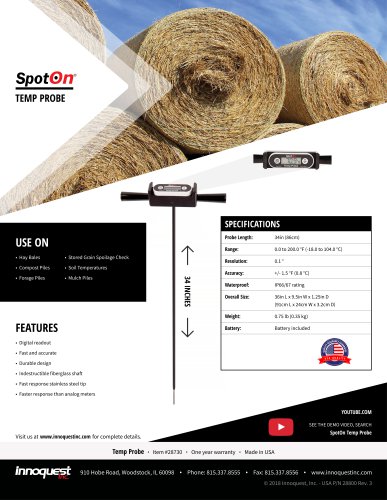 SPOTON® TEMP PROBE
1 Page
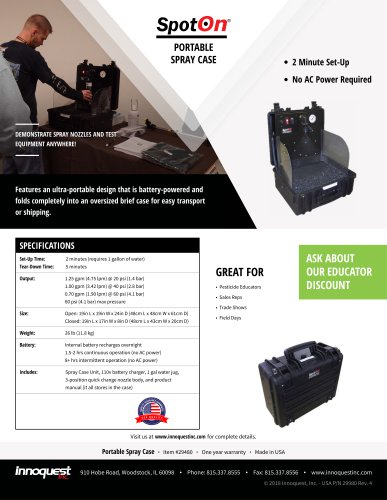 SPOTON® SPRAY CASE
1 Page
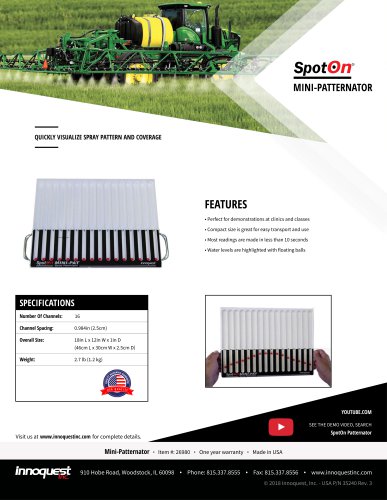 SPOTON® MINI-PATTERNATOR
1 Page
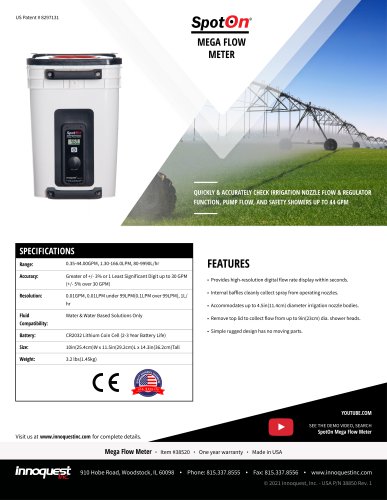 SPOTON® MEGA FLOW METER
1 Page
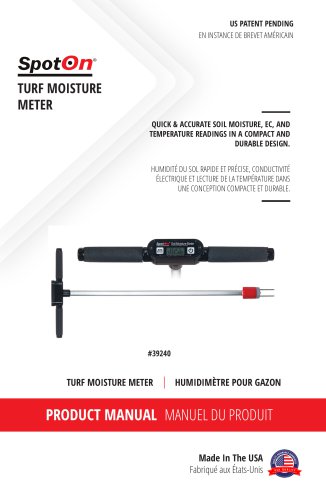
 SPOTON® CONSISTOMETER
2 Pages
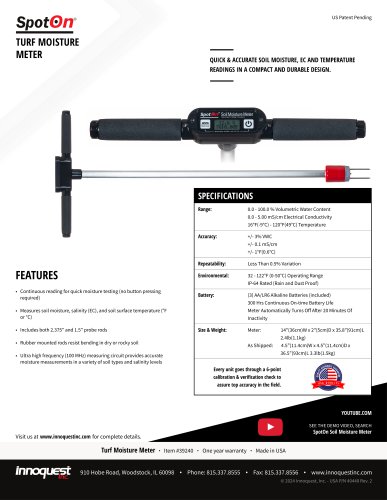

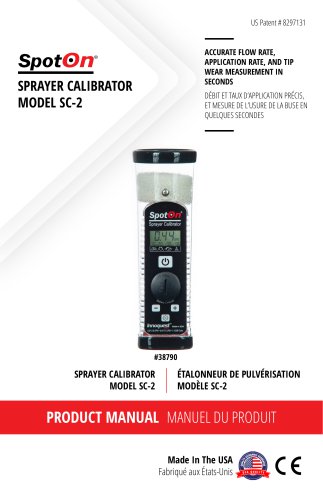
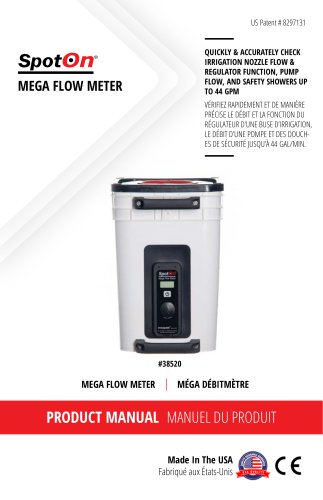
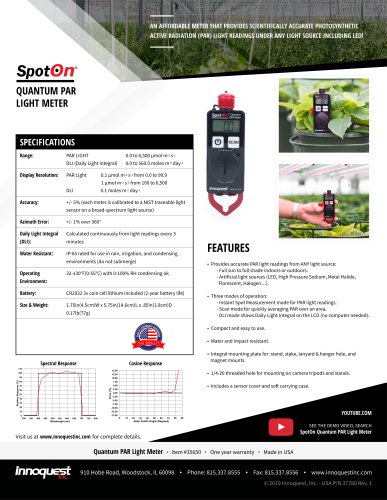
Archived catalogs
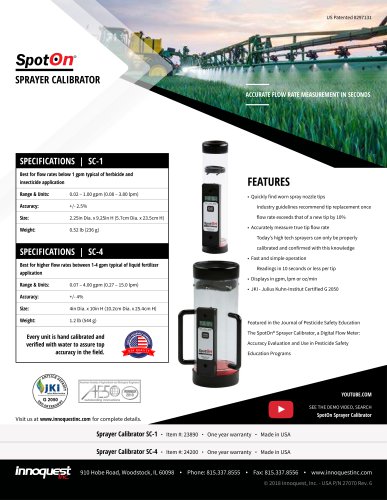 SPRAYER CALIBRATOR
1 Page
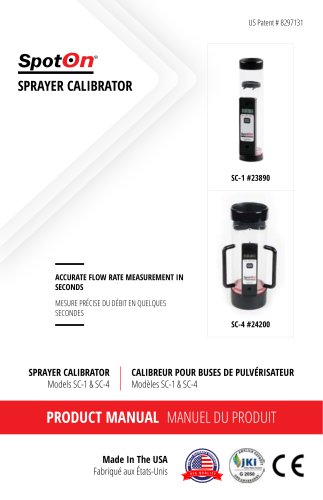 2017 SPRAYER CALIBRATOR
11 Pages
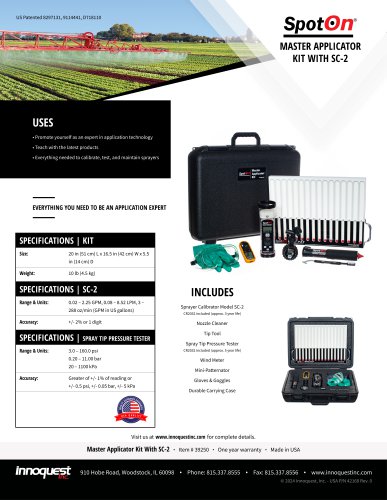
 MASTER APPLICATOR KIT
1 Page
- Handheld analyzer
- Irrigation flow meter
- Analyzer with data logging
- Moisture meter
- Water flow meter
- Moisture meter with digital display
- Handheld moisture meter
- Digital temperature sensor
- Grain temperature sensor
- Connected temperature sensor
- Wireless temperature sensor
- Soil temperature sensor
- Spray nozzle flow meter
- Battery-operated flow meter
- Water temperature sensor
- Light sensor
- Spray patternator
- Digital display flow meter
- Battery-powered temperature sensor
- Ground moisture meter