
- Catalogs
- Innoquest, Inc.
- PRODUCT MANUAL: SPOTON® SPRAY TIP PRESSURE TESTER

- Company
- Products
- Catalogs
- News & Trends
- Exhibitions
PRODUCT MANUAL: SPOTON® SPRAY TIP PRESSURE TESTER
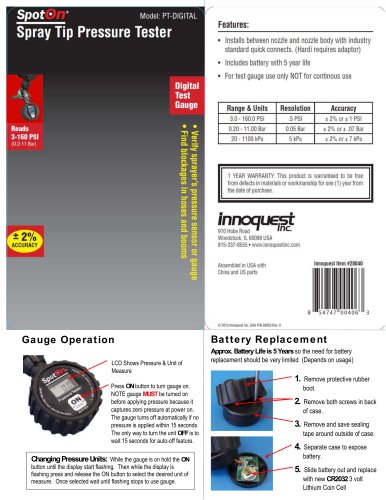
PRODUCT MANUAL: SPOTON® SPRAY TIP PRESSURE TESTER
- Turning On: Press the ON button to activate the gauge. Ensure the gauge is turned on before applying pressure as it captures zero pressure at power on. The gauge will automatically turn off if no pressure is applied within 15 seconds.
- Turning Off: The unit can only be turned off by waiting for the 15-second auto-off feature.
- Changing Pressure Units: While the gauge is on, hold the ON button until the display flashes. Press and release the ON button to select the desired unit of measure. Wait for the flashing to stop before using the gauge.
- Battery Life: Approximately 5 years, depending on usage.
- Replacement Steps:
- Remove the protective rubber boot.
- Remove both screws on the back of the case.
- Remove and save the sealing tape around the outside of the case.
- Separate the case to expose the battery.
- Slide out the old battery and replace it with a new CR2032 3-volt Lithium Coin Cell.
Catalog excerpts

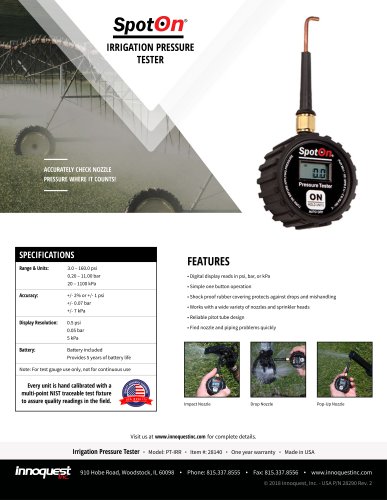
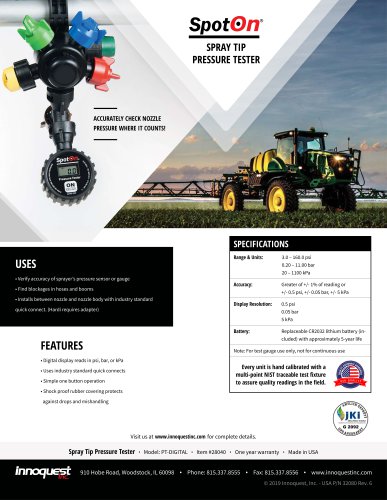
Gauge Operation LCD Shows Pressure & Unit of Measure Press ON button to turn gauge on. NOTE gauge MUST be turned on before applying pressure because it captures zero pressure at power on. The gauge turns off automatically if no pressure is applied within 15 seconds. The only way to turn the unit OFF is to wait 15 seconds for auto-off feature. Battery Replacement Approx. Battery Life is 5 Years so the need for battery replacement should be very limited (Depends on usage) Remove protective rubber boot. Remove both screws in back of case. Remove and save sealing tape around outside of case. Separate case to expose battery. Slide battery out and replace with new CR2032 3 volt Lithium Coin Cell Changing Pressure Units: While the gauge is on hold the ON button until the display start flashing. Then while the display is flashing press and release the ON button to select the desired unit of measure. Once selected wait until flashing stops to use gauge.
Open the catalog to page 1All Innoquest, Inc. catalogs and technical brochures
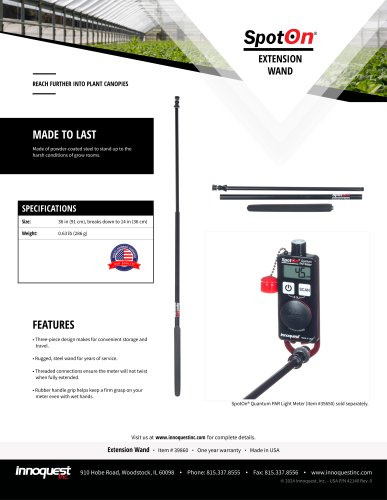 SPOTON® EXTENSION WAND
1 Page
 2023 SPOTON® CATALOG
24 Pages
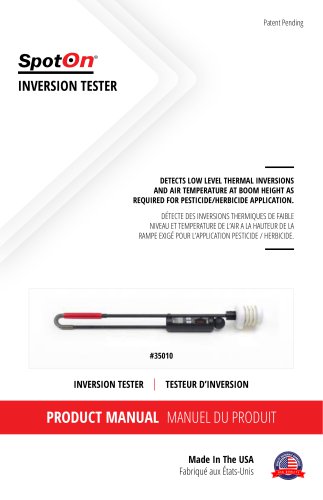
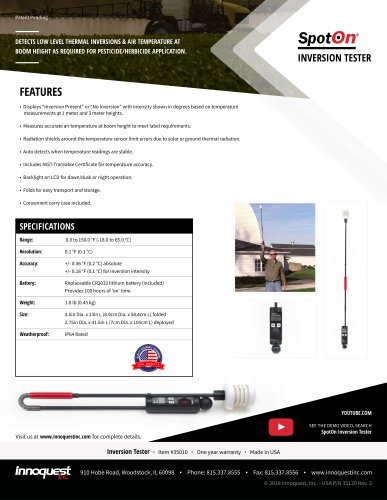 SPOTON® INVERSION TESTER
1 Page
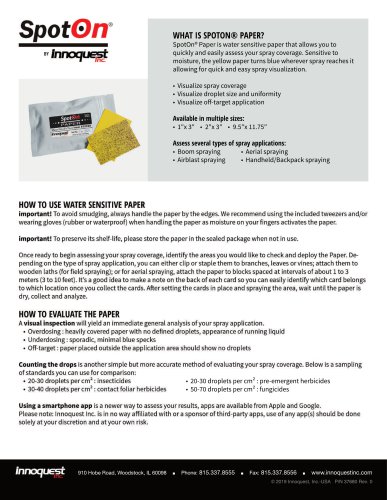
 SPOTON® PAPER
1 Page
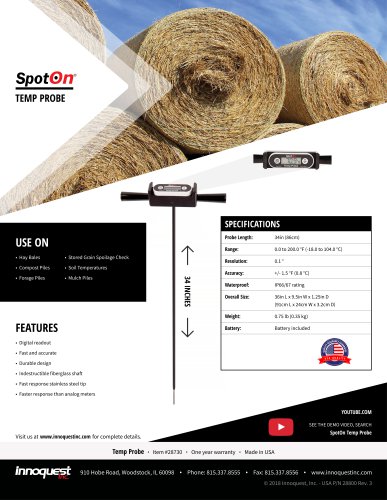 SPOTON® TEMP PROBE
1 Page
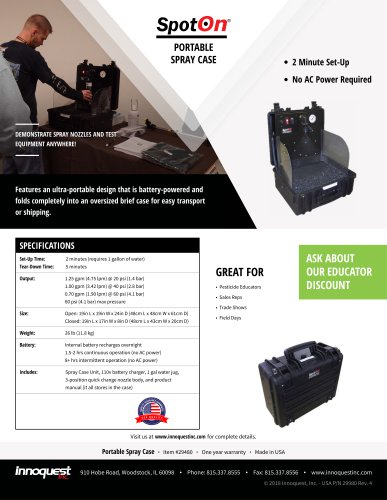 SPOTON® SPRAY CASE
1 Page
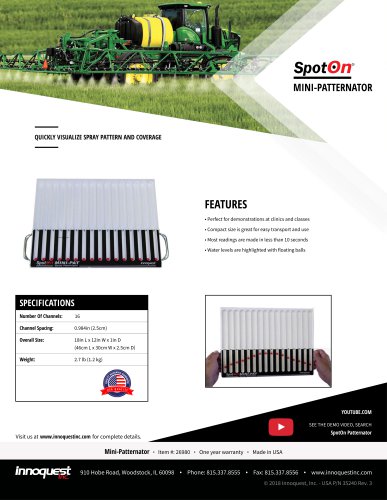 SPOTON® MINI-PATTERNATOR
1 Page
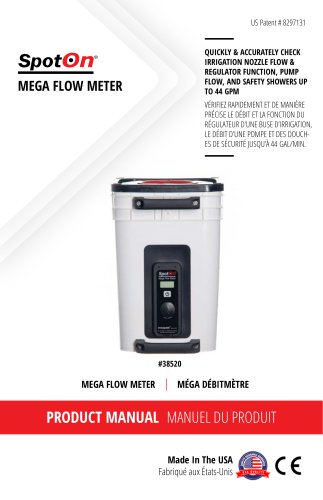
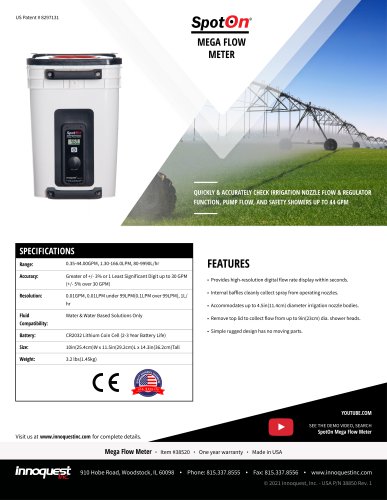 SPOTON® MEGA FLOW METER
1 Page
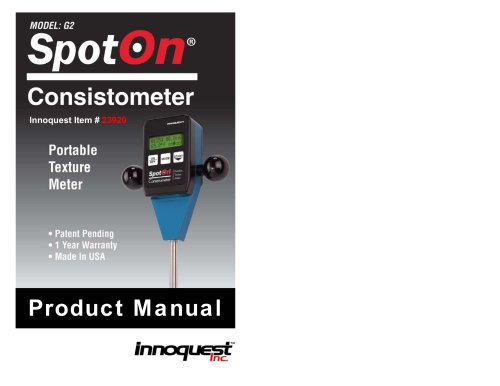
 SPOTON® CONSISTOMETER
2 Pages
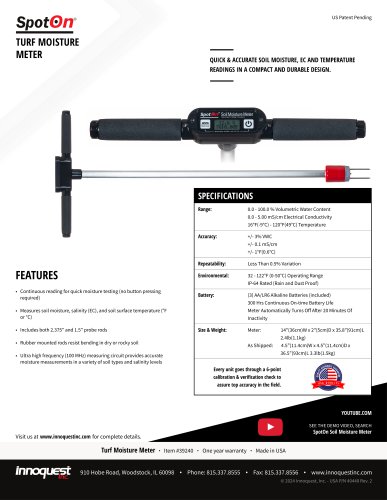


Archived catalogs
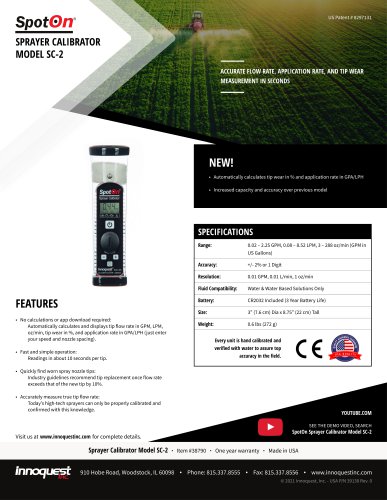
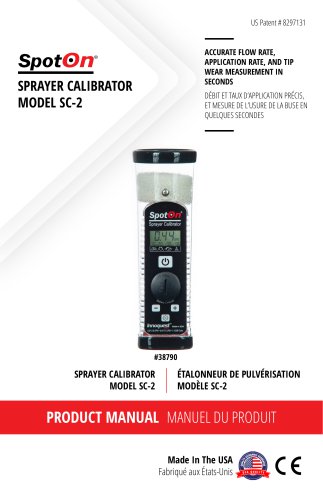
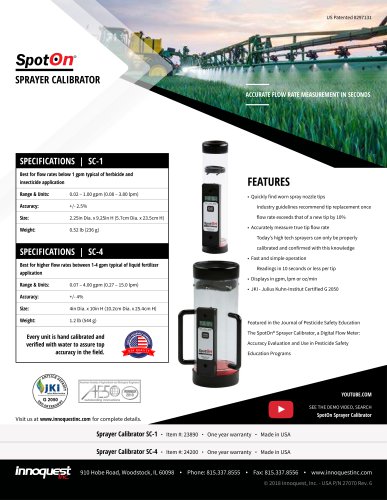 SPRAYER CALIBRATOR
1 Page
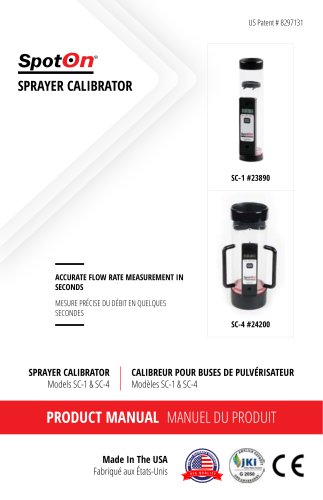 2017 SPRAYER CALIBRATOR
11 Pages
 MASTER APPLICATOR KIT
1 Page
- Handheld analyzer
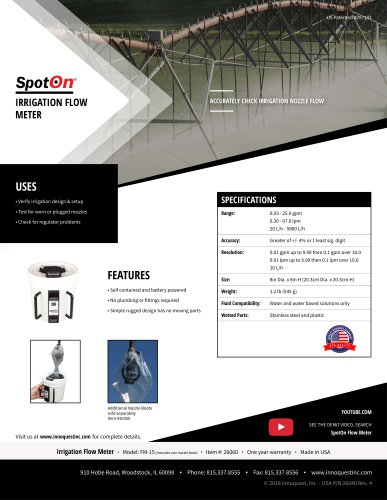
- Irrigation flow meter
- Analyzer with data logging
- Moisture meter
- Water flow meter
- Moisture meter with digital display
- Handheld moisture meter
- Digital temperature sensor
- Grain temperature sensor
- Connected temperature sensor
- Wireless temperature sensor
- Soil temperature sensor
- Spray nozzle flow meter
- Battery-operated flow meter
- Water temperature sensor
- Light sensor
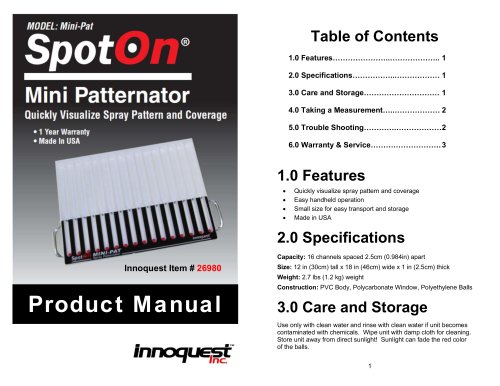
- Spray patternator
- Digital display flow meter
- Battery-powered temperature sensor
- Ground moisture meter